for administrators, delivery teams, and developers building automation
Making Enterprise Automation Self-Service
I turned hand-written domain-specific language (DSL) orchestration into a visual, low-code Workflow Builder that administrators and delivery teams can use without backend help.
- 54customer accounts with Bridge Automation Service enabled, and growing
- Up to 10Kdevices supported by AI agents and long-running automation
- 10+co-creation workshops to define the Service & Automation Catalog lifecycle
01 · Context
Automation Without the Complexity
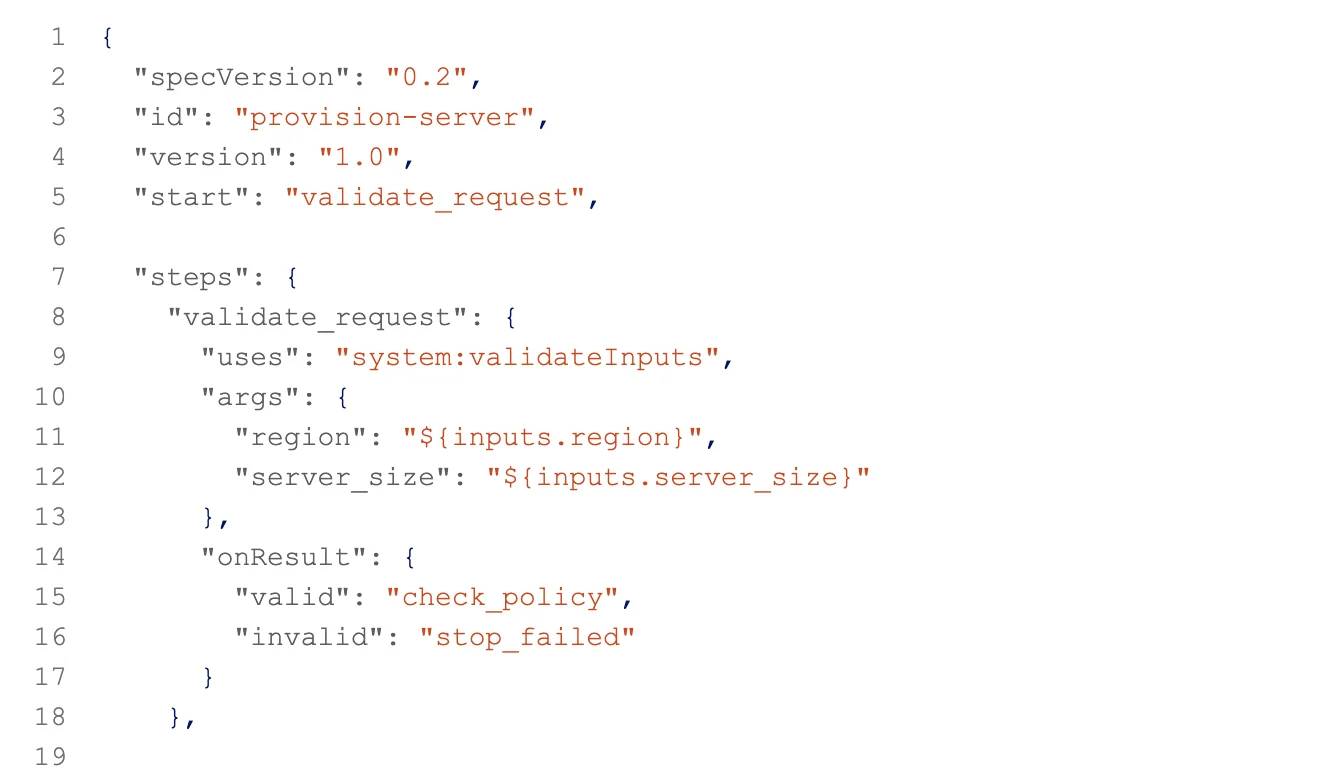
Workflows were written by hand in a DSL, so building one meant knowing platform-specific logic. That slowed delivery and invited avoidable errors.
What People Needed to Do
- Create workflows on their own
- Add definitions in YAML or JSON
- Save new versions without overwriting old ones
- Reuse existing workflows
- Choose which version runs
- See dependencies before making changes
- Manage the full workflow lifecycle safely
02 · Understand
The Real Problem Was Confidence
Building a workflow wasn't the hard part. Everyone who touched automation needed to trust that their changes were safe.
Who We Designed For
- Orchestration and Account AdministratorsAuthor and publish workflows
- Delivery and Consulting PractitionersBuild reusable automation
- Advanced DevelopersWork through DSL, APIs, CLIs, or IDEs
- Operational UsersMonitor workflow execution
Who I Worked With
How We Learned
03 · Frame
From Backend Dependency to Self-Service
Each step moves people further from relying on backend teams and closer to full control.
04 · Design
How the Workflow Builder Evolved
The design grew from information architecture into a visual builder. Then it got simpler: validation moved into the background, so publishing became one clear step.
Design Iterations
Final Design, Annotated
Design Scope
- Information architecture and entry points
- Workflow list and administration
- Workflow creation flow
- Visual canvas and workflow composition
- Step library and discovery
- Node and connector interactions
- Step configuration and input mapping
- Progressive disclosure and drill-down
- Contextual properties panel
- Draft saving and workflow continuity
- Real-time validation and error recovery
- Publishing and catalog integration
- Version and lifecycle management
- Testing and debugging
- Execution monitoring and results
- Interaction guidance and learnability
- Design-system alignment and final interface
05 · Connect
One Lifecycle, End to End
Every workflow follows the same loop: create, configure, publish, execute, observe, and iterate. Validation runs in the background while people configure, so it is no longer a separate step.
06 · Deliver
What Changed
The Workflow Builder now runs automation at enterprise scale, and Bridge Automation Service is enabled across 54 customer accounts.
- Replaced hand-written DSL orchestration with a visual, low-code Workflow Builder
- Runs AI agents and long-running automation across up to 10,000 devices
- Bridge Automation Service enabled across 54 customer accounts, with adoption expanding
- Facilitated 10+ co-creation workshops to define the Service & Automation Catalog lifecycle
07 · Reflect
What This Taught Me
Simplifying enterprise software isn't about removing sophistication. It's about revealing complexity at the right moment, so people can move through it with confidence.
Next Case Study